Finding a new Android app is not difficult anymore. The difficult part is finding an app that you still want to keep after one week. I have installed so many apps in the past just because they looked interesting. Some had great screenshots, some promised amazing features, but after trying them for a few days, most of them were removed. Now I look at apps differently. For me, a good app is not the one with hundreds of features. A good app is something that solves a small daily problem and makes using the phone easier. Recently, AI tools have changed how many people use their phones. But along with AI apps, there are still some simple tools that are worth keeping.
Here are some free Android apps that I think are actually useful in daily life.
1. ChatGPT
ChatGPT is probably one of the apps that changed how I use my phone. Before using AI assistants, I normally searched multiple websites whenever I wanted to understand something. Now, for many simple things, I ask ChatGPT first.
I have used it for:
- Personal life suggestions and opinions.
- Understanding new topics.
- Getting ideas for my business.
The useful thing is that it feels more like asking a question instead of searching random pages. Of course, it is still important to verify important information, but for learning and daily productivity, it can save a lot of time.
2. Perplexity AI
Perplexity is another AI app, but I use it a little differently. It feels closer to a search assistant. Sometimes, when I want quick information with sources, I find this type of tool useful. Instead of opening many tabs and comparing different websites yourself, it can help organize information faster. It does not replace your own research, but it can make the starting point easier. For students, writers, or anyone who searches a lot online, it is worth trying.
3. Microsoft Copilot
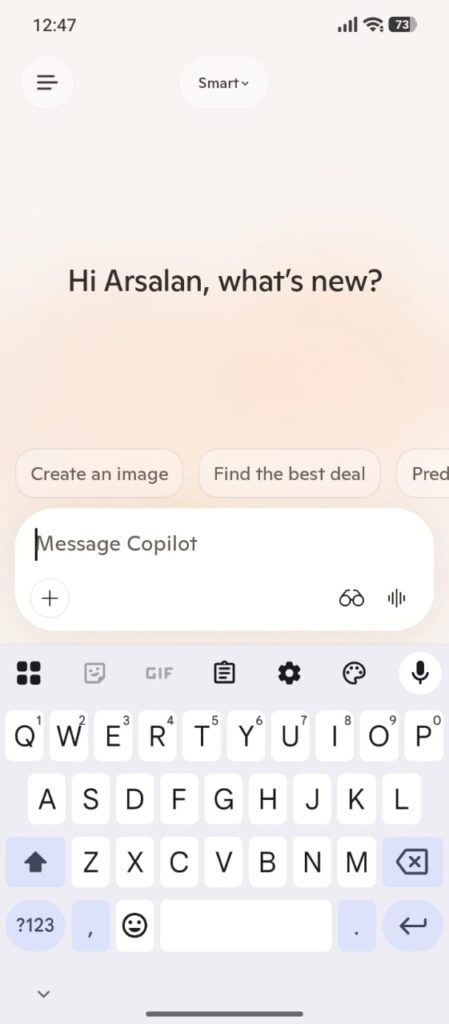
Microsoft Copilot is another interesting AI tool available for Android users. The reason I like having different AI apps is that every tool works slightly differently. Sometimes one assistant explains something in a way that is easier to understand. Copilot can help with general questions, creative ideas, and different productivity tasks. It is not something everyone will open every hour, but it is useful to keep installed.
4. Bitwarden
Passwords are something most people do not think about until there is a problem. A few years ago, I also had the habit of using simple passwords because remembering too many accounts was annoying. But today, almost everything needs an account. Bitwarden helps you organize your passwords in one place. After getting used to a password manager, managing different accounts becomes much easier. It is one of those apps that may look boring, but it solves a real problem.
5. LocalSend
LocalSend is a simple app, but that is what makes it useful. Sometimes you just want to send a file from your phone to your computer without uploading it somewhere. I have seen many people send files to themselves through messaging apps just because they do not know another easy way. LocalSend helps transfer files between nearby devices. It is especially useful if you regularly move photos, documents, or other files.
6. Microsoft Lens
I did not realize how useful a scanner app was until I actually needed one. Taking a normal picture of a document works, but it usually does not look clean. Microsoft Lens helps scan documents using your phone camera.
It can be useful for:
- Students
- Office Work
- Saving important papers
You may not open it every day, but when you need it, it saves time.
7. ElevenLabs Reader
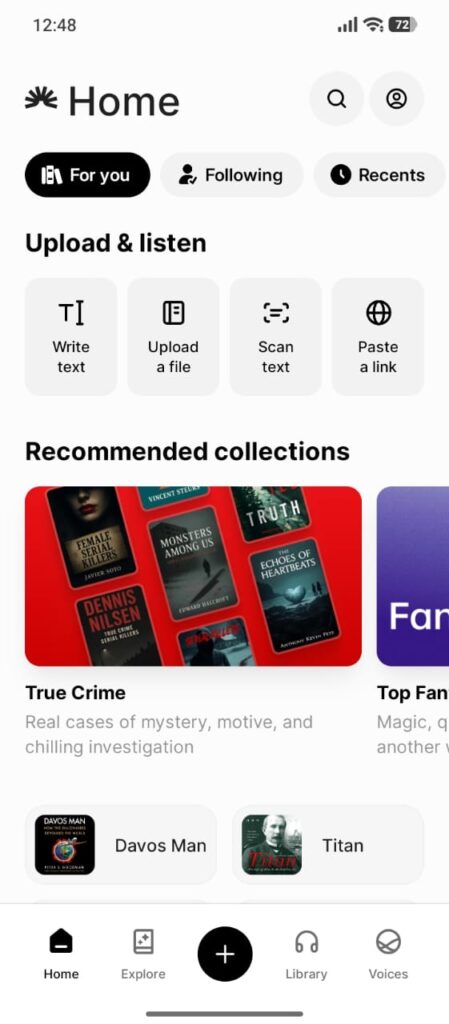
This is one of the newer types of apps that many people still do not know about. Sometimes you save an article or a long text, but never get time to read it. AI voice reader apps can turn text into audio so you can listen instead. This can be useful while walking, relaxing, or doing something else. It depends on your routine, but the idea itself is interesting.
8. AccuBattery
Battery life is something almost every phone user cares about. AccuBattery helps you understand more details about your phone battery. I like apps that show information instead of promising unrealistic “one tap boost” results.
It can help you understand:
- Charging Habits
- Battery Usage
- Estimated Battery Health
You do not need to check it every day, but it gives useful information about your device.
Final Thoughts
The best Android apps are not always the apps everyone talks about. Sometimes the most useful apps are the ones that quietly fix small daily problems. AI tools like ChatGPT, Perplexity, and Copilot are changing how people use phones, while apps like Bitwarden, LocalSend, and Microsoft Lens solve practical everyday issues. Try the apps that match your routine and remove the ones you do not actually use. A cleaner phone with a few useful apps is always better than having hundreds of apps sitting unused.