I think almost everyone has installed an app, used it once, and then completely forgotten about it. I have done this many times. Sometimes an app looks amazing from the outside. Good screenshots, nice design, and big promises. After installing it, you realize it does not really add anything useful. Because of this, I started keeping fewer apps on my phone.
Instead of looking for apps with the most features, I started looking for apps that could replace something I was already using or make a small task easier. Not every free app can replace professional paid software. That expectation is not realistic. But I found some free Android apps that are good enough for everyday tasks.
Claude AI
I started trying more AI tools recently because every platform is adding AI features now. Claude was one of the apps that stayed on my phone. The main reason was not some complicated feature. I liked using it when I had an idea but did not know where to start. Sometimes starting a task is harder than completing it. Whether it is organizing thoughts, understanding something, or creating a rough plan, having an AI assistant available is convenient. I still prefer checking important information myself because AI tools can make mistakes. But as a starting point, it saves time.
Gamma
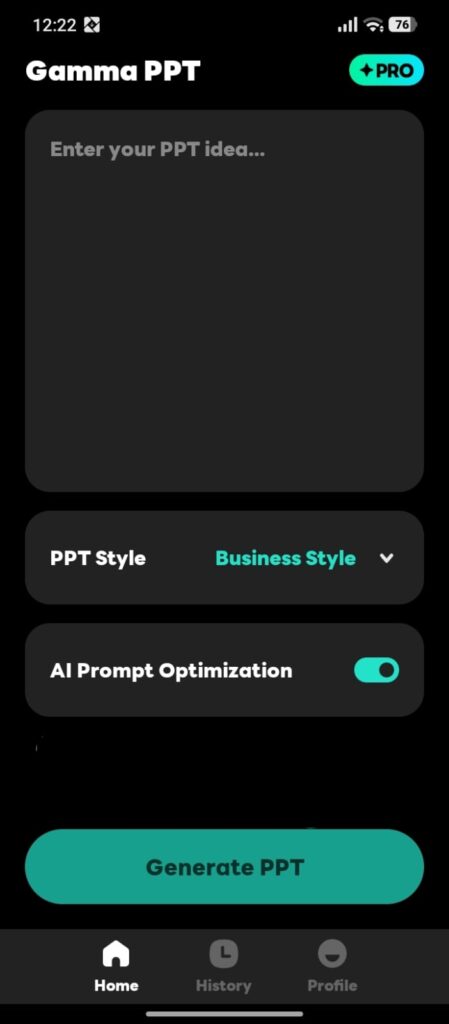
Presentations are one thing I never enjoyed making from zero. You spend time adjusting slides, changing layouts, and thinking about structure before the actual work even starts. Gamma felt interesting because it helped with that first step. It creates a base that you can improve yourself. I would not just create something and use it without checking. But having a first draft ready makes the process easier.
Adobe Express
Design apps can become confusing very quickly. Many tools give you hundreds of options, but a normal user only needs a few things. That is why I liked Adobe Express. Sometimes I just want to make a quick graphic or adjust something without opening professional software. For those small tasks, a simple app makes more sense. Not everyone needs advanced editing features.
Lightroom Mobile
I used to edit photos directly from the gallery app. For normal changes, that is still fine. But sometimes you take a photo where the lighting feels wrong or the colors do not look the way you remember. Lightroom gives more control in those situations. I mostly use small adjustments. Heavy editing can easily make photos look unnatural.
PhotoRoom
PhotoRoom is one of those apps I did not think I needed until I tried it. Removing backgrounds sounds like a small thing. But when you need a clean picture for a profile, product, or design, it saves a lot of time. Earlier, this kind of editing required more effort. Now it can be done directly from a phone.
WPS Office
There have been many times when someone sent me a document, and I needed to check it quickly. Opening a laptop just for a small file is annoying. This is where having an office app on your phone helps. WPS Office handles normal document tasks without making things complicated. For everyday use, that is usually enough.
Proton Drive
I think most people only care about backups after losing something important. Photos and documents feel safe because they are inside the phone. But phones can break, get lost, or have problems. Keeping another copy somewhere else is always a good habit. Proton Drive is one option for storing files online instead of depending only on your device.
AI Image Upscaler Apps
Old pictures are not always perfect. Sometimes an image is blurry or too small to use properly. AI upscaling apps try to improve these photos automatically. The result depends on the original picture. Some photos improve a lot, some only slightly. But it is interesting how things that required advanced software before are now available on phones.
Otter AI
I usually prefer writing important things myself. But sometimes typing everything is not practical. Voice-to-text tools like Otter AI can help when you want to save conversations, ideas, or notes. The text still needs checking. No automatic tool is perfect. But getting a rough version instantly can be useful.
VN Video Editor
A lot of people edit videos now, even if they are not creators. Small clips, family videos, or social media posts are usually edited directly on phones. VN Video Editor works because it keeps the process simple. For normal editing, I prefer an app that I can understand quickly instead of one filled with options I never use.
Final Thoughts
After trying many free Android apps, I noticed that I usually keep the simple ones. The apps that solve a real problem stay installed. The ones that only look impressive usually get removed after a few days. Paid tools are still better for advanced professional work. But for many normal tasks, free Android apps have become good enough that paying immediately is not always necessary. Trying the free option first can help you understand what you actually need.